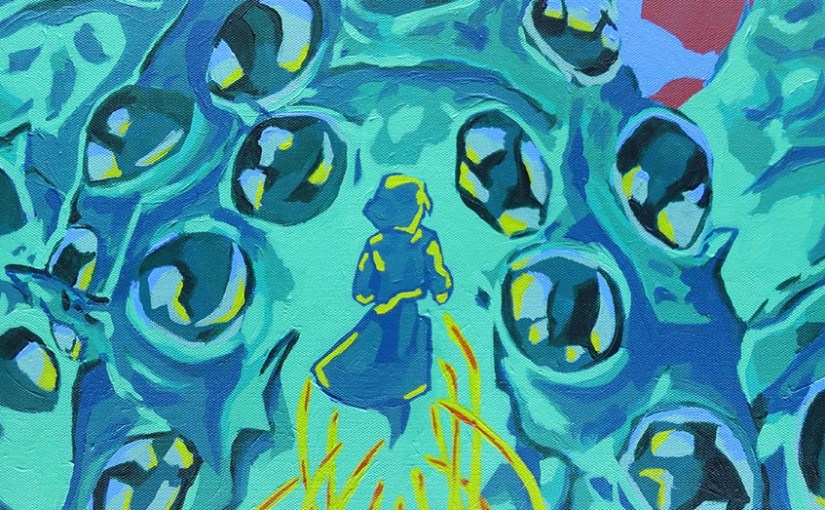
Photomerge is great for illustrators or artists that work at a large scale and can’t use a traditional flat-bed scanner to document their work. Photomerge lets you select multiple photos and automatically batches them together into a single, large file.

Find the Photomerge Menu
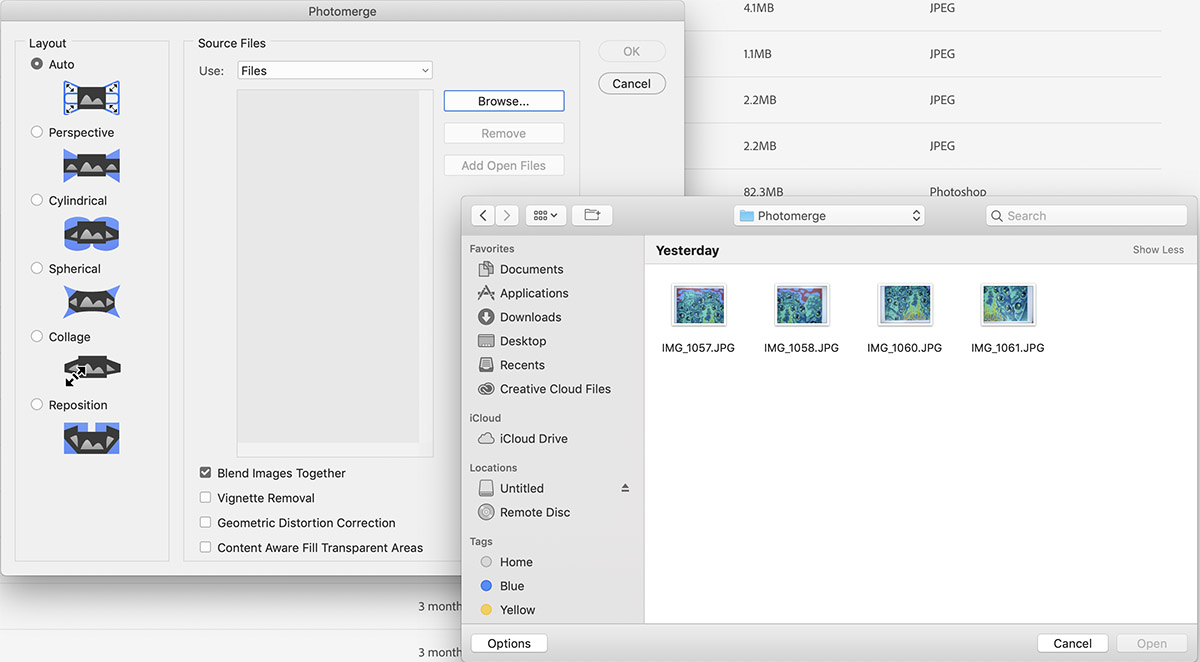
Select the Photomerge section in File>Automate>Photomerge

Select the number of photos you want to merge together.
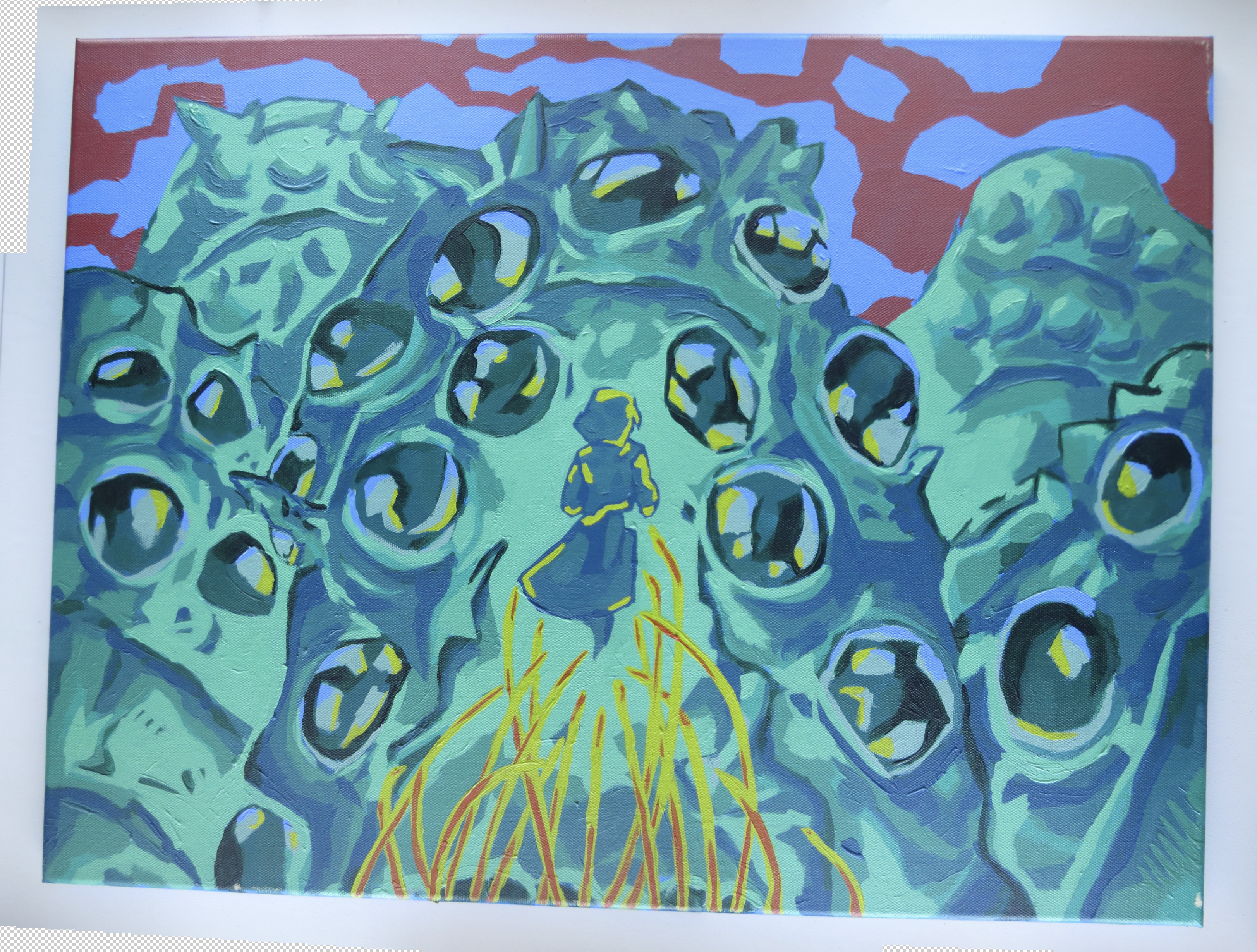
You’ll end up with a Photomerge that might look kind of out of shape at first.
A few tweaks in Photoshop and you have a perfect file ready for professional prints! No scanner necessary!
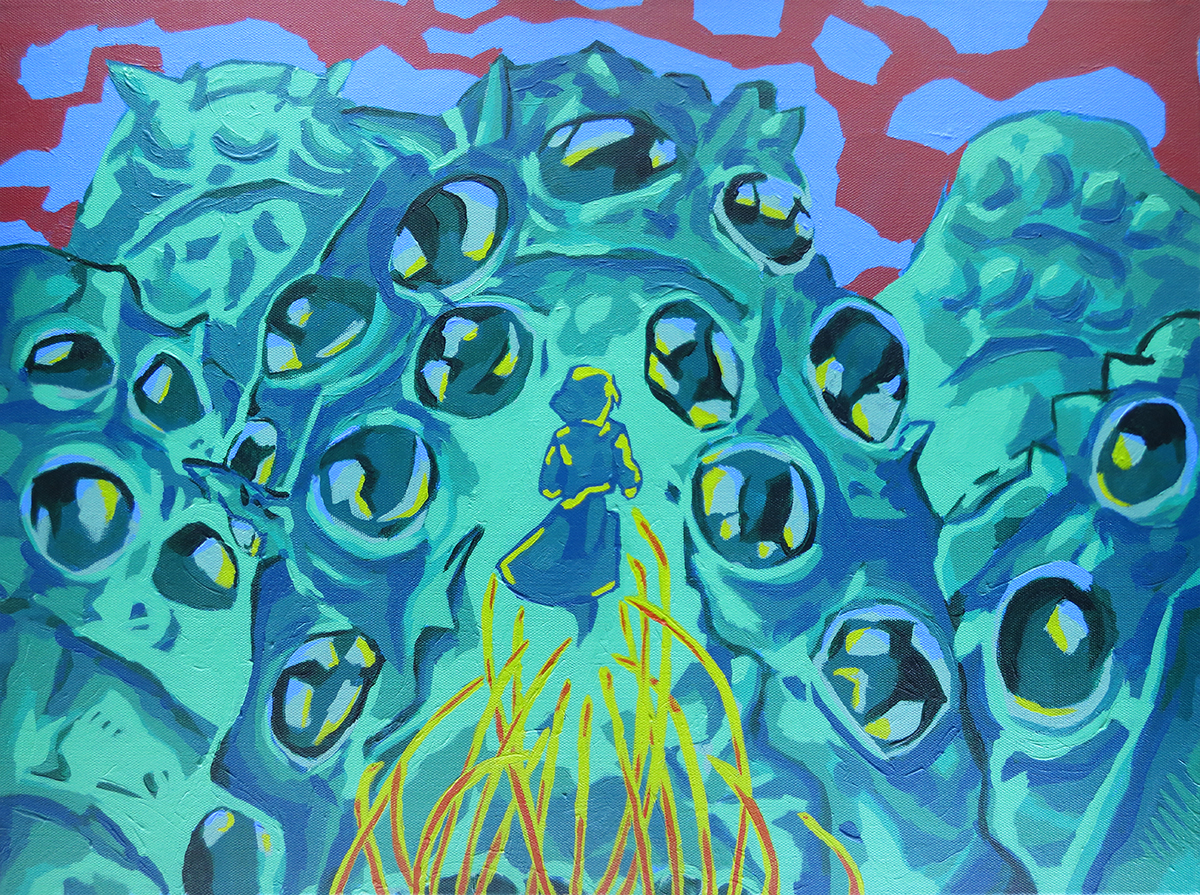
Photomerge is a simple tool you can use to transfer large artworks into a printer-friendly format.
If you’re curious about this subject manner, its a stylized clip from Nausicaa Of The Valley Of The Wind. Look forward to more tutorial and art lessons in future posts.
*Please don’t use this photography hack to steal other artist’s unsold work; even for personal use. Please verify that any public works you photograph this way are verified to be copyrighted in the public domain!

 Growth Spurt Creative